Using the advanced features on the customer software
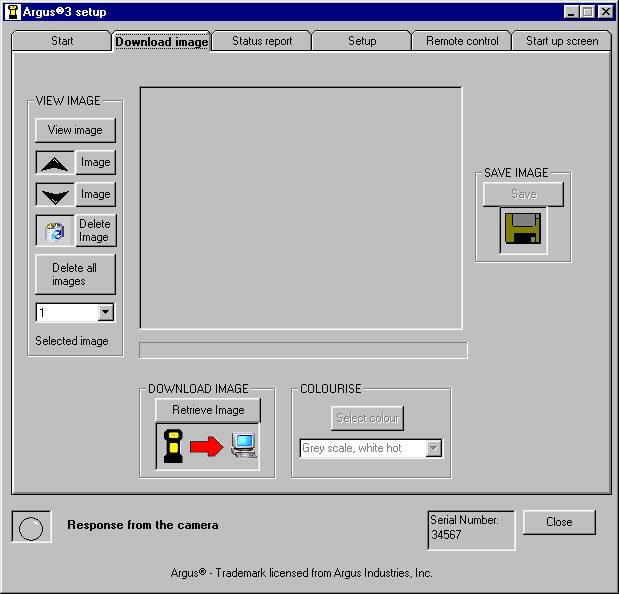
This tab is functionally identical to the downloading tab accessed from the front page.
It allow the user to look through and delete images on the camera using the buttons under 'VIEW IMAGE'.
When the desired image is on the camera it can be retrieved using the 'Retrieve Image' button and then appears in the display area of this tab.
When an image has been retrieved into the display area it has additional information (time, date etc) added automatically.
Once loaded into the screen an image can have its' colouring changed by selecting a new colouring under 'COLOURISE'.
The image is then saved using the 'Save' button.
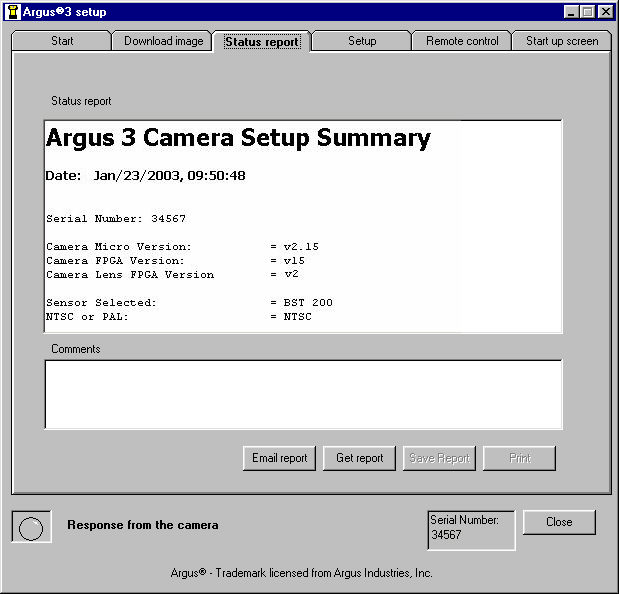
This tab enables the user to send a report from the camera to the e2vtechnologies repair centre. The report is obtained from the camera using the 'Get Report' button.
The 'Email Report' button is programme specific, working with Microsoft compatible products. To use with other email systems or for greater control use 'Save Report' and send this as a mail attachment to argus3.repaircentre@e2vtechnologies.com
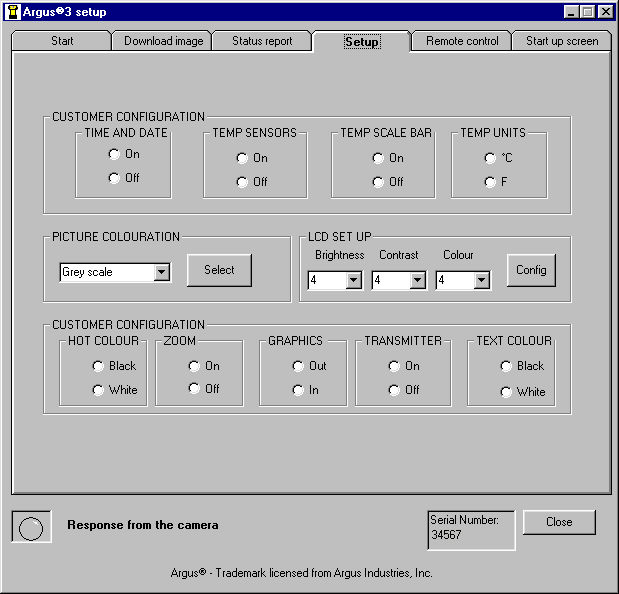
This tab allows users to set and configure features on the camera to suit individual requirements.
If Zoom or Transmit are disabled on this screen they are not available by button pushes or remote control when the camera is in use.
The 'Graphics In' and 'Graphics Out' buttons allow the user to move the screen graphics to accomodate TV monitors showing less than the full picture
These settings can be cleared back to the original factory state by holding down the grey buttons when turning the camera on.
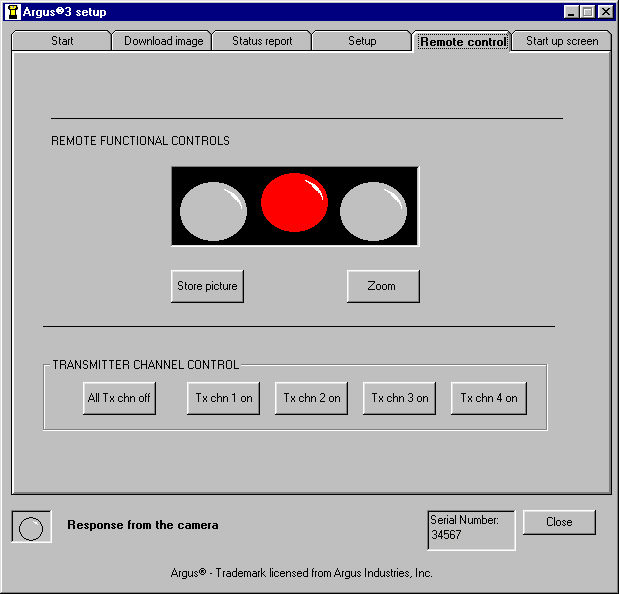
This tab allows remote control of the camera.
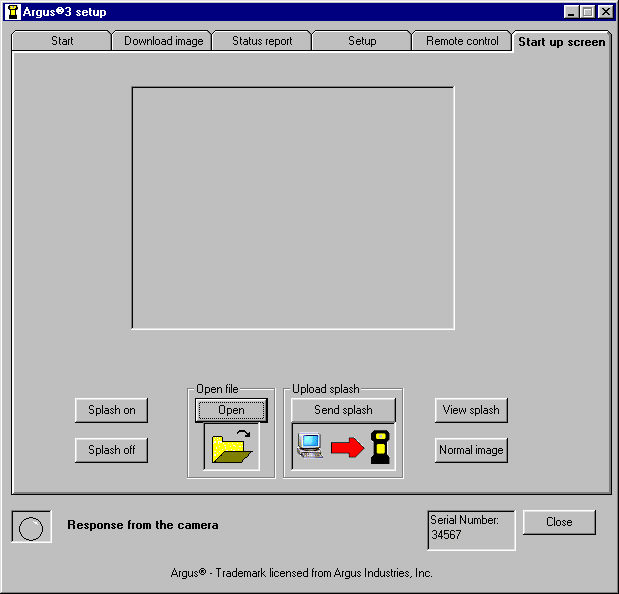
To upload a startup screen to the camera, create a 320 x 240 pixel 24 bit colour bitmap and save this on the PC. Use the 'Open' button to select and bring this into the picture area and then 'Send Splash' to send this to the camera.
Use the 'Splash On/Off' button to switch between using the factory image and the one that has been added.
 Return to Index
ARGUS® 3 CD ROM © e2v technologies
Argus® - Trademark licensed from Argus Industries, Inc.